Add and download property documents
Upload a property document, find it in Files, and download it when preview is unavailable.
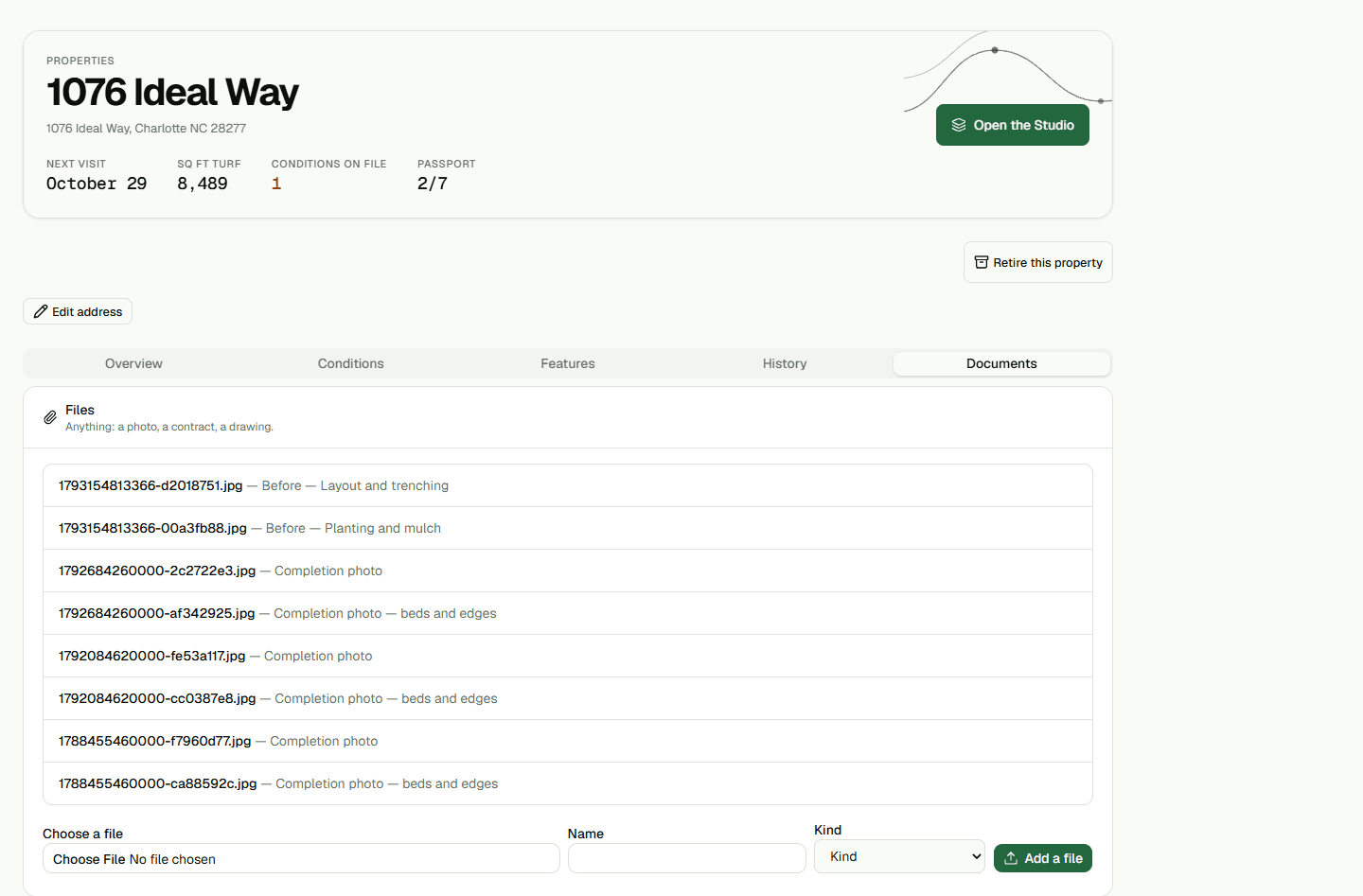
Add a document to a property
Open the property's Documents tab and upload the file. After the upload finishes, reload the property and confirm that the document appears in its Documents list.
Find the document in Files
Open Files and search All files by the document's name. A document attached to a property is also available in the office-wide file list.
Download when preview is unavailable
Open the document preview. If this file type cannot be displayed, choose Download to save a copy to your device.