Explore business reports
Choose a reporting period and review the business measures for that window.
Choose the period
Set the reporting window first, then read the figures and chart for that same window. Open the source report when you need the records behind a total.
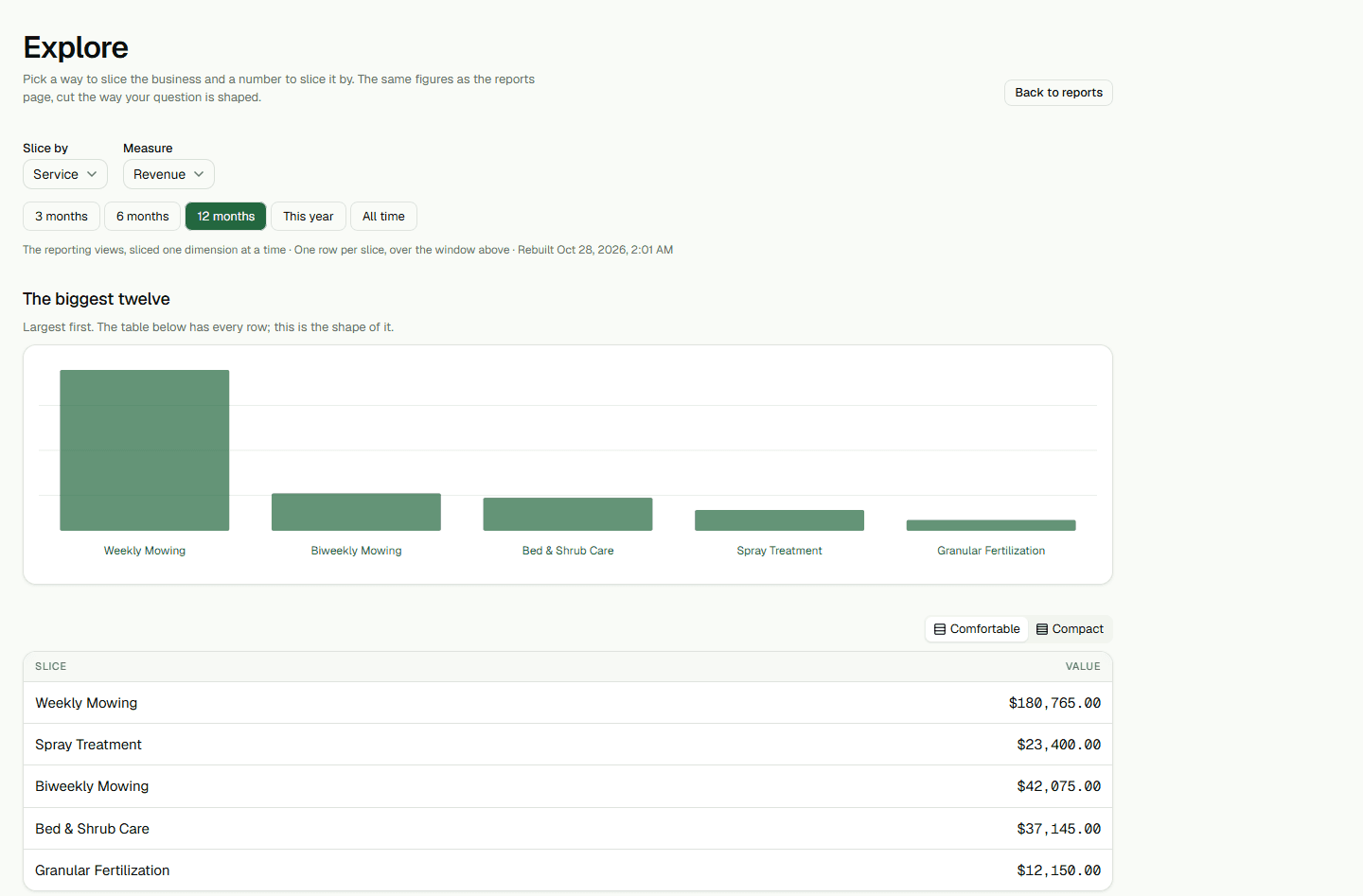
- Open Explore, choose a reporting period, and review the results.