Explore a property in the portal
Review a property’s history, passport and shared design, and know what to expect from map views.
Open a property
From the property history, review completed visits and shared documents, then open the passport or a shared design when those links are available. The map and 3D views depend on available imagery; if imagery is unavailable, use the property details and history shown in the portal.
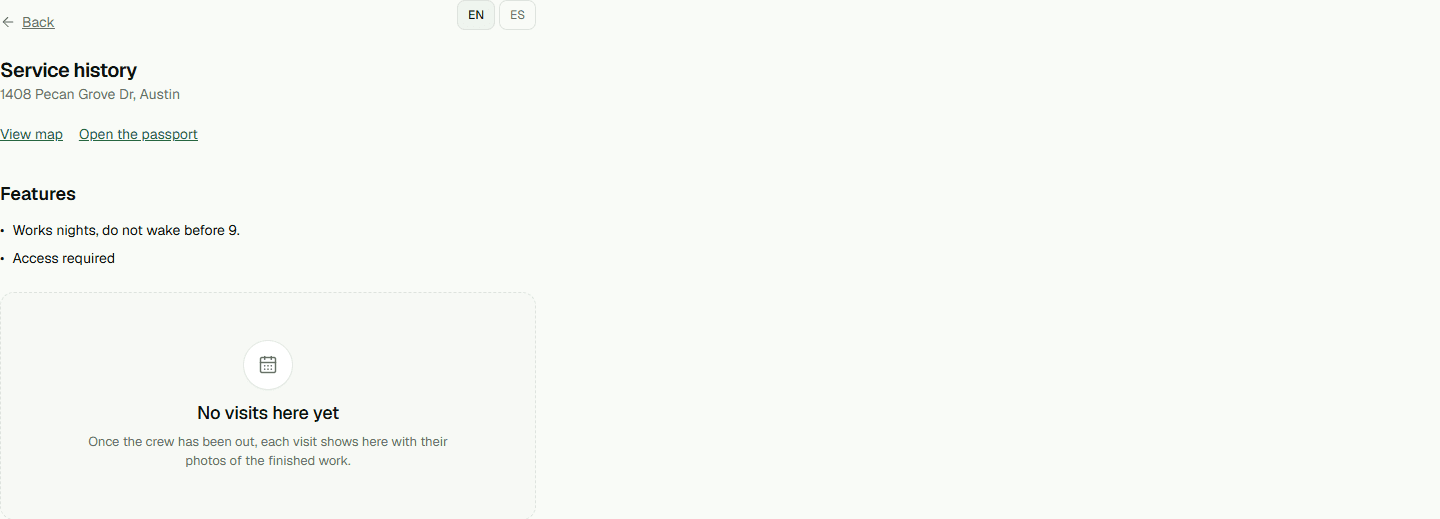
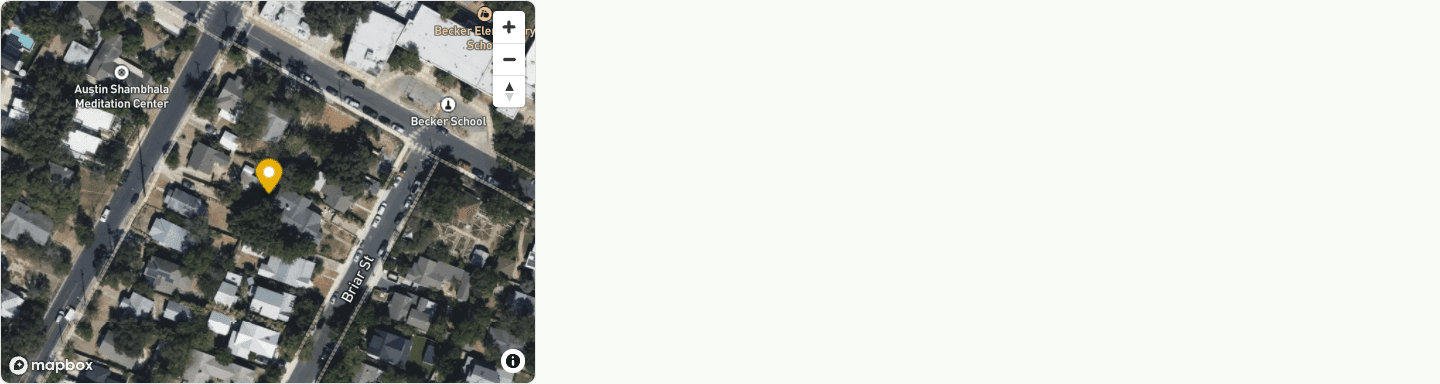
- Open a property from Home, then use its passport, design, map or 3D link when available.