Assign equipment to a crew
Add equipment and keep its crew assignment current as your team changes.
Add an equipment item
On Equipment, Name and Kind are required. Crew is optional, so you can assign the item now or leave it unassigned.
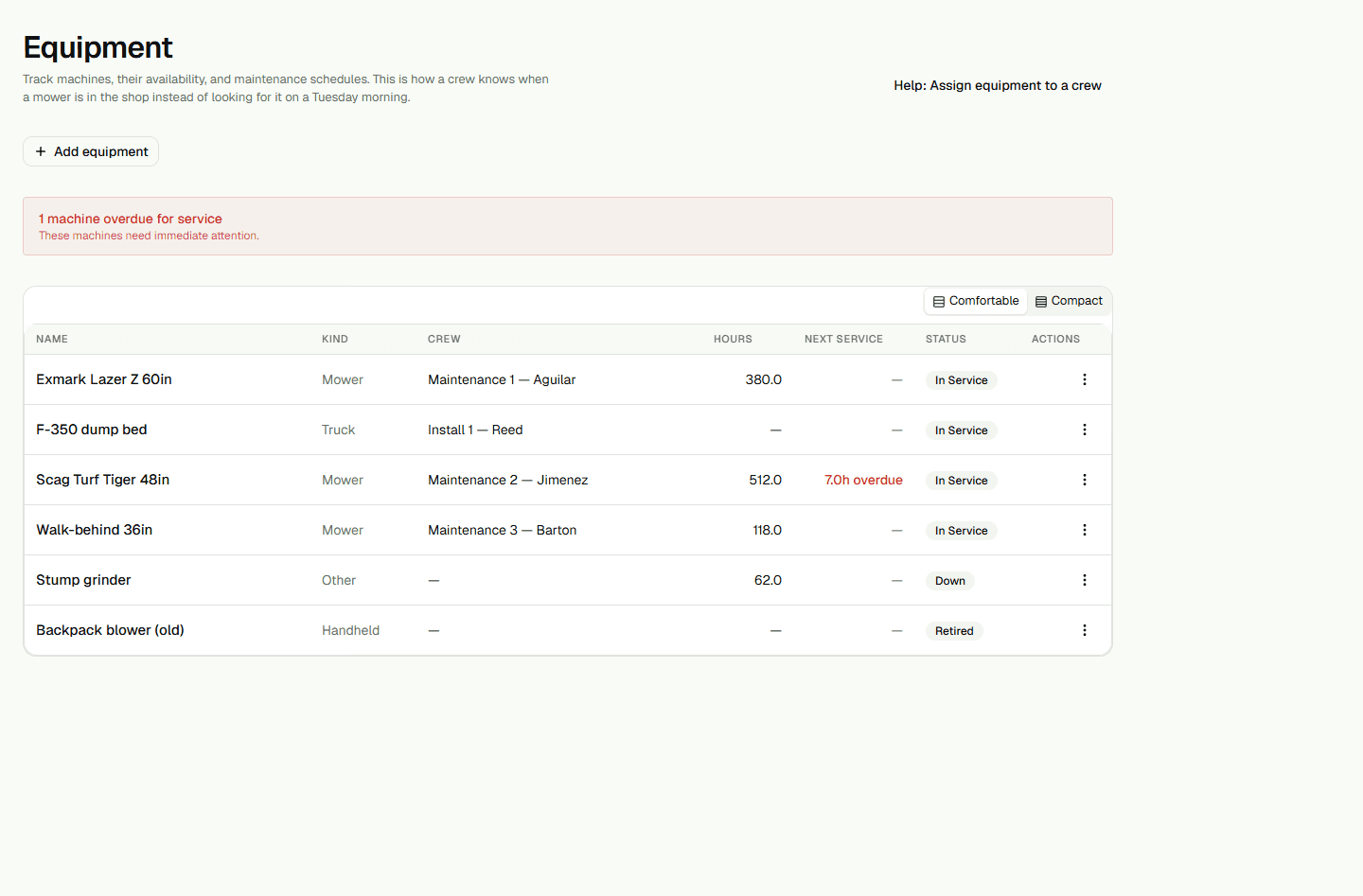
- Open Equipment and choose Add equipment.
- Enter a Name, choose a Kind, and choose a Crew if you want to assign one now.
- Choose Add equipment to save the item.
Change the crew assignment
You can change the assignment later. Reload Equipment and check the Crew column to confirm the saved assignment.
- On the equipment row, open Actions and choose Edit.
- Choose a different Crew, or choose Unassigned to clear the assignment, then choose Save.
- Reload Equipment and check the Crew column.