Manage design templates
Tell shared Studio templates apart from your organization's saved starting designs.
Review the two template lists
An Admin or Owner can open Setup and choose Templates. The page separates Ours, for everyone from Yours. Shared templates are read-only here. Each template saved by your organization has a name field and controls to rename or remove it. The page also shows descriptions, tags, and element count as reference; those fields are not editable here.
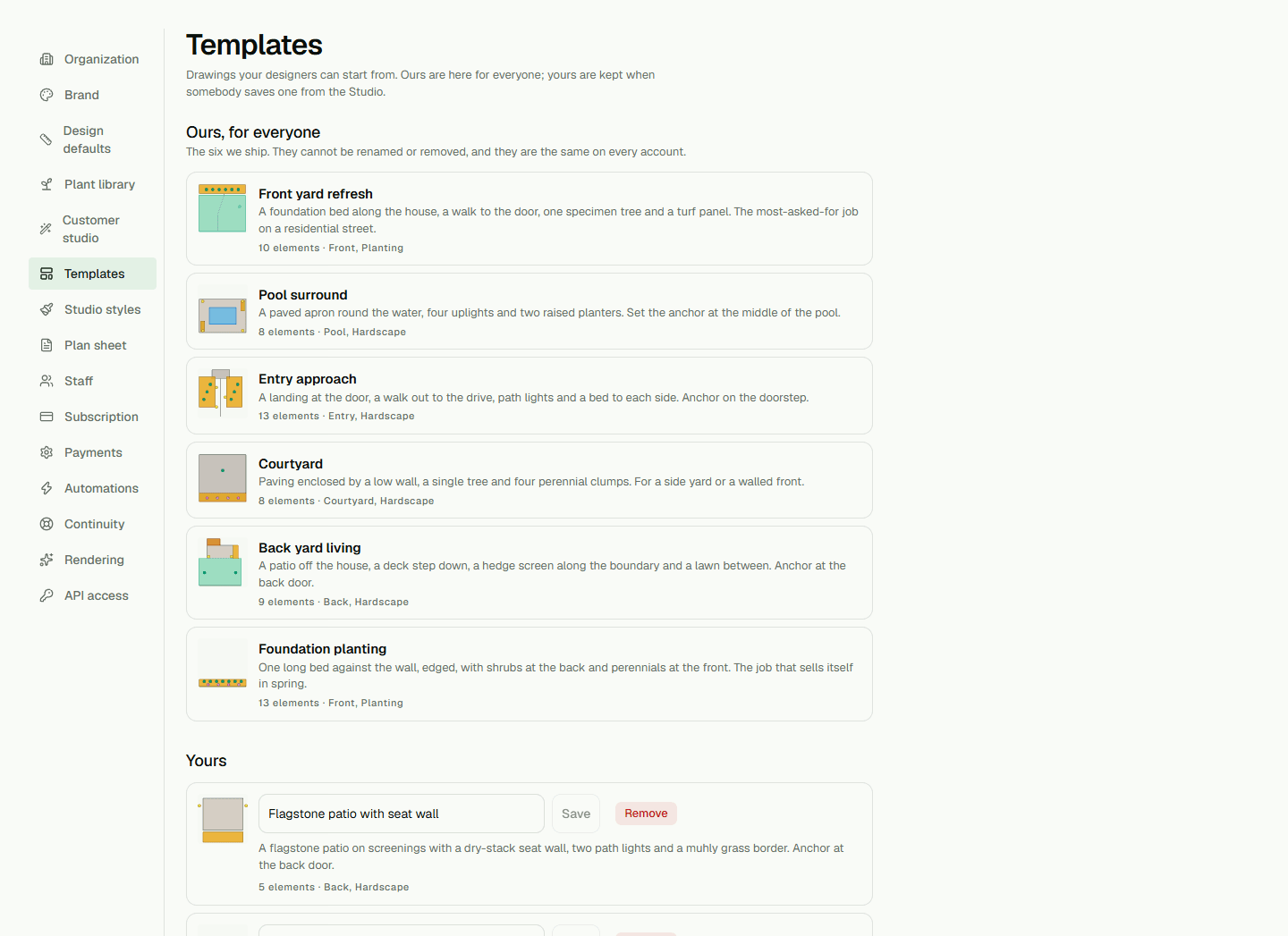
Rename or remove one of your templates
Change the name on one of your templates and choose Save. To remove it, choose Remove and confirm. The confirmation says drawings already made from that template do not change.
To save a drawing as a template or start a new design from one, use Studio's Save as a template… or New design… flow. See Save and reuse a Studio design for those steps.