Adjust the plan-sheet preview
Preview trade views, coordination context, sheet numbering, and how to close the reset confirmation without applying it.
Who can open these settings
Admins and Owners can open Plan sheet settings from the office. The preview starts with a worked example from the starter design, not one of your properties.
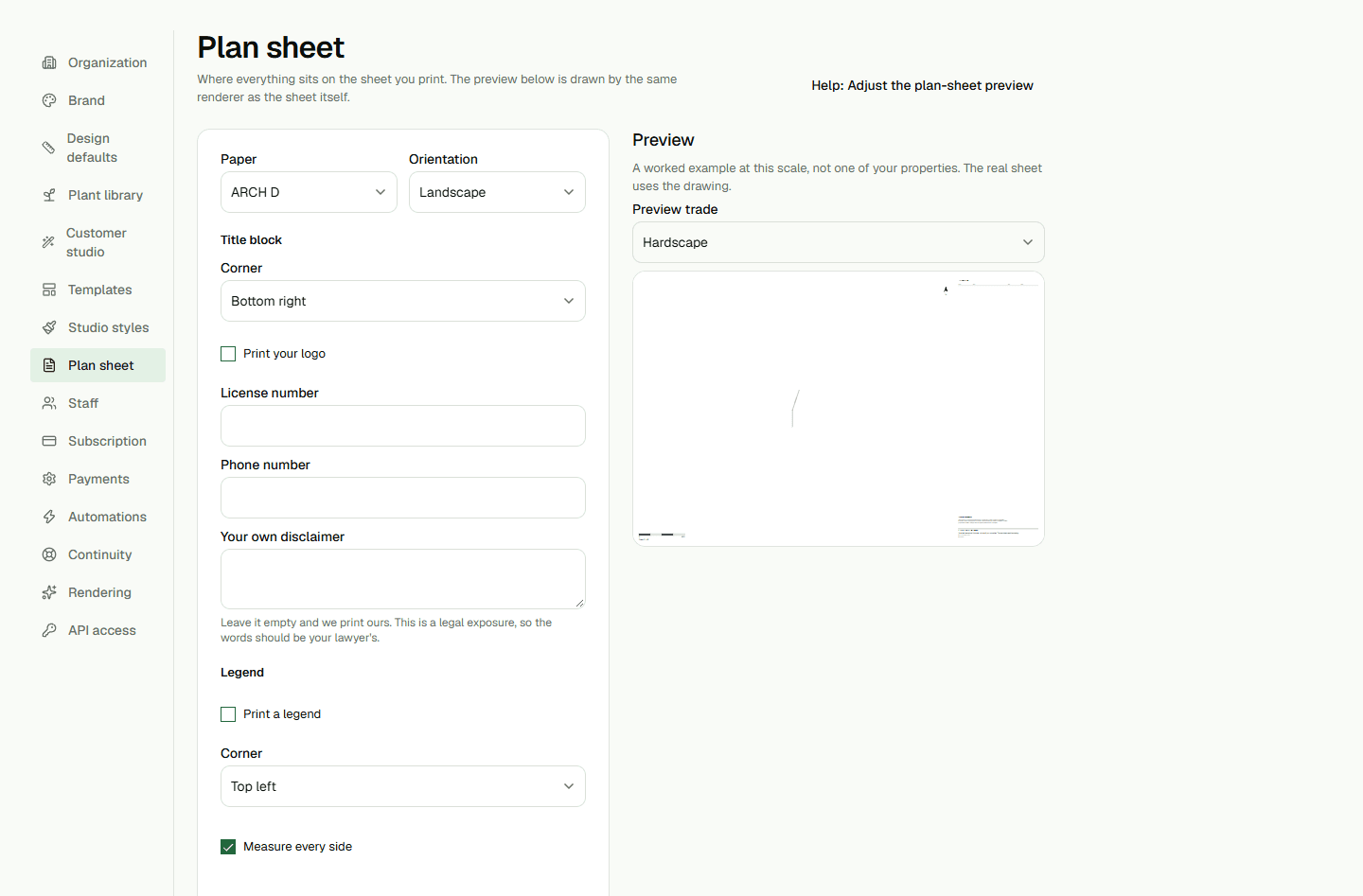
Use the preview
In Preview trade, switch between the available views, such as Hardscape and Planting. The drawing filters to the selected trade, while notes stay visible.
Show coordination context adds relevant geometry from the other trade behind the selected view. Number sheets in set controls whether the trade sheet shows its number in the preview. The preview updates as you change these options.
Close the reset confirmation
Back to the defaults opens a confirmation. Choose Cancel or press Escape to close it without applying the reset. Choose the confirmation action only when you intend to reset the settings.