Review a chemical application record
Open a recorded application and read its license, treatment, weather, and re-entry details.
Find the application log
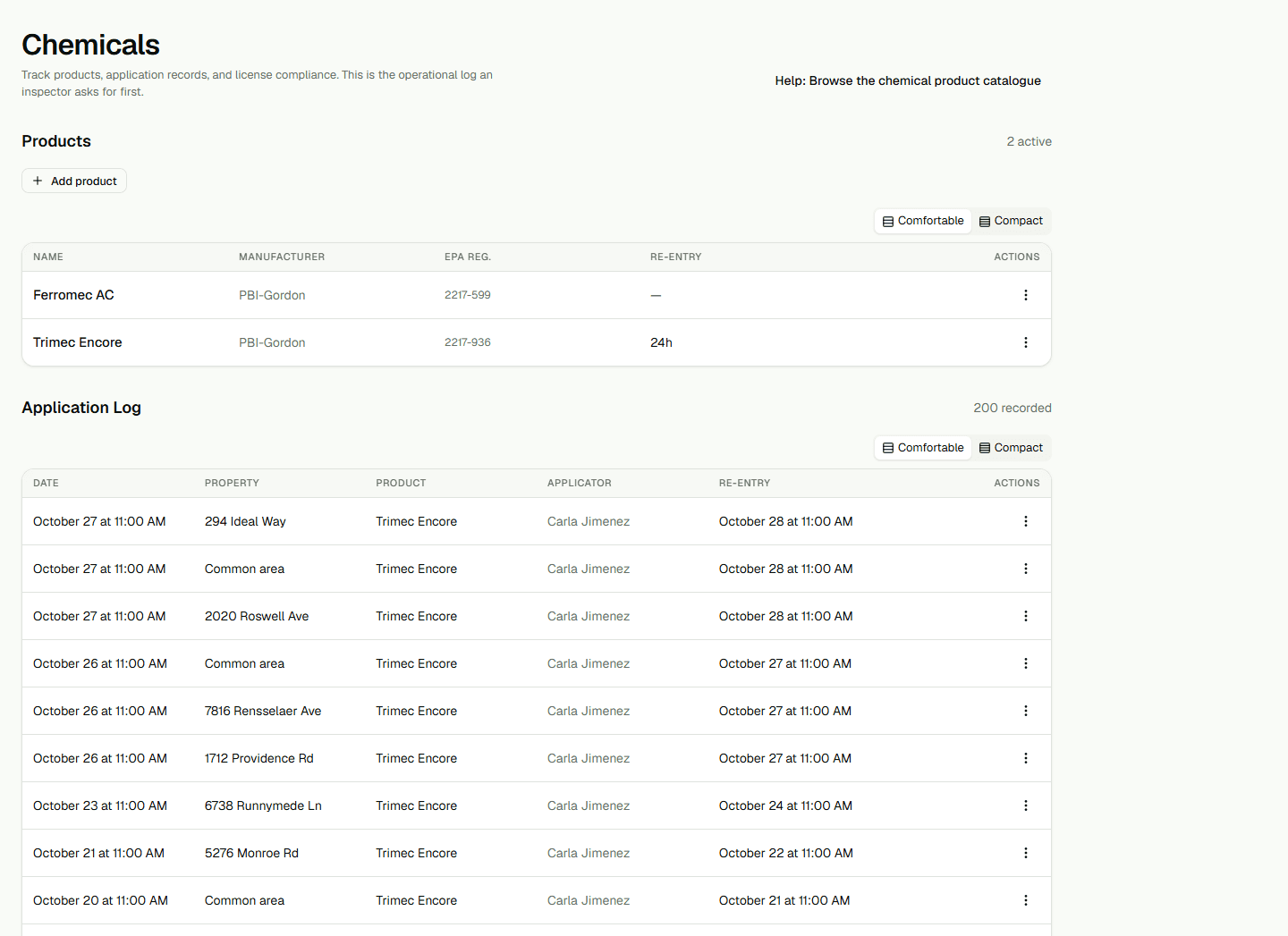
Open Chemicals as a Dispatcher or higher and find Application Log. The list shows each recorded application's date, property, product, applicator, and re-entry interval. Dates use your organization's time zone and the selected interface language. If there are no records, the page shows an empty state.
Read a record's details
Open the row's Actions menu and choose View. The expanded row shows License, Rate, Area (sqft), Target pest, Wind, Temperature (°F), Re-entry, and Notes. A dash means no value was recorded for that field. Choose View again to hide the details.
Keep the product list separate
The Products table is the chemical catalogue. Use it to review product details and active status. An application record is the treatment log and has its own detail view; changing a product does not rewrite an application already recorded.