Record an inquiry and make it a customer
Add a new inquiry to the Pipeline, record how it reached you, then mark it Won to create a customer record linked to the lead.
Add the inquiry
Use the Pipeline for a new prospect so the name, contact details, source and notes stay together while you decide what to do next. This guide covers recording an inquiry and converting a won lead into a customer; it does not send a quote or contact the prospect for you.
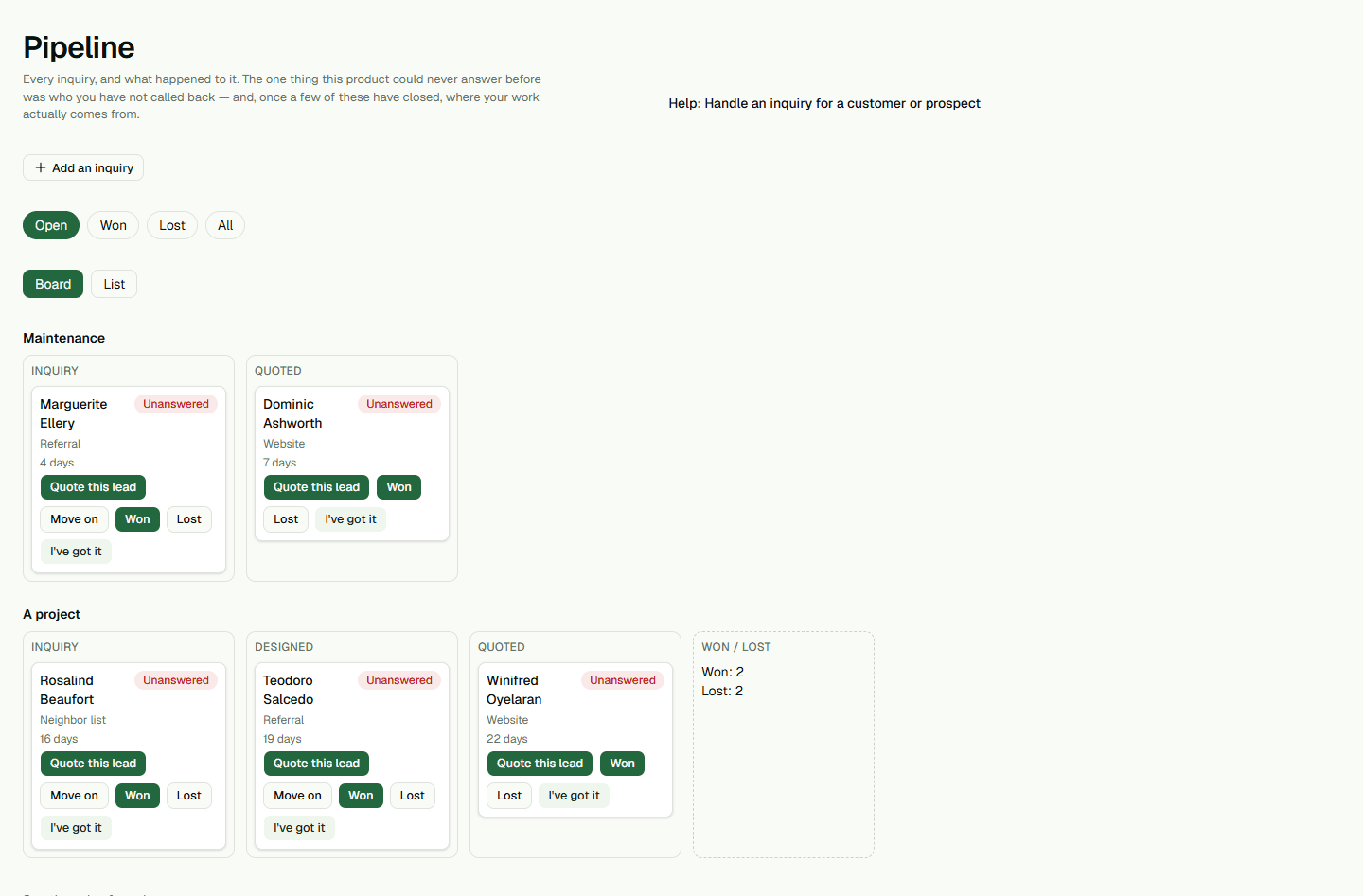
- Open Pipeline and choose Add an inquiry.
- Choose Somebody new, then enter their Name.Phone and email are optional. Choose How they found you and What they want, then add Which one or Notes if the detail will help the next person who opens the lead.
- Choose Save.The inquiry appears in the Pipeline. It stays open until somebody advances it, marks it Won or closes it as lost.
Turn a won inquiry into a customer
Marking a new inquiry Won asks for the customer name and phone, then creates the customer record linked to that lead. A phone number is required so the customer can be identified if they later use the client portal.
- On the lead row, choose Won.The confirmation asks who is paying for the work.
- Check the name, enter the customer's phone, and choose Make them a customer.The lead moves to Won and is linked to the new customer record.
- Open Customers and choose the customer's name.The won lead stays in the Pipeline; its linked customer appears in Customers, where you can add a property and continue preparing the work.
What happens next
A won lead creates a customer; it does not mean a quote has been accepted or a project has started. You can add the service property from the customer page and keep any proposal in draft until the customer has reviewed it.