Read route density
Compare each crew's daily stops with completed stops, then export the same rolling date range.
Compare stops and completed stops
Each row groups one crew's stops for one day. Stops shows the number of visits; Done shows how many were completed. The share bar compares that crew-day's stop count with the busiest crew-day in this date range. It is a relative comparison, not a completion rate or a measure of distance.
Check the dates and export
Route density covers the dates from 35 days before today through today, inclusive, using your organization's date. The main report period does not change this range. There is no separate date picker or row-level detail in this section.
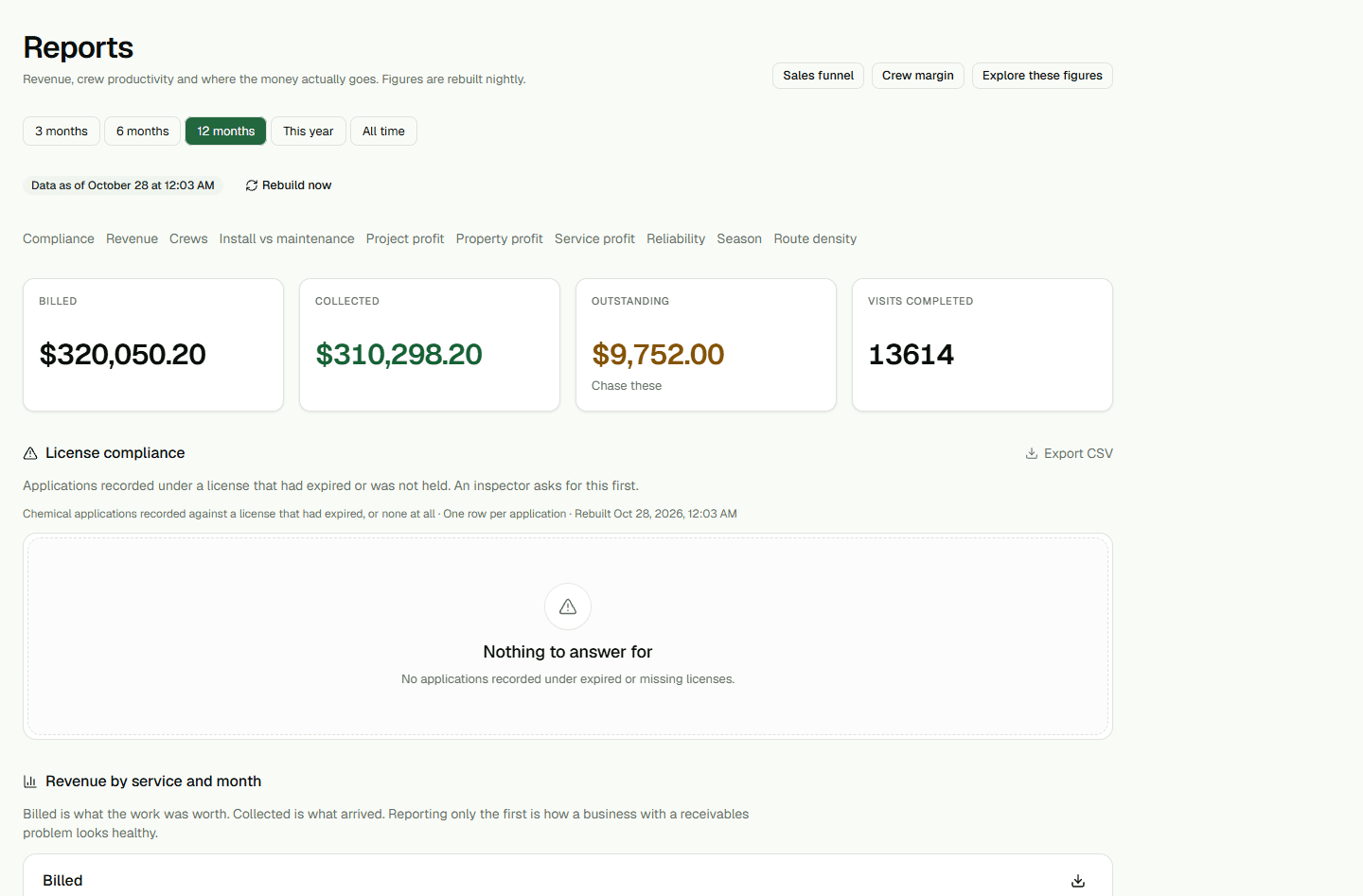
At the top of Reports, choose 3 months or All time. The Billed and Crew productivity CSVs use the same date window shown in their tables. Route density keeps its separate rolling date range.
Choose Export CSV to download the same date range shown in the table. The CSV headings remain in English: Date, Crew, Stops, Completed.