First week: lead to signed work
Follow a lead through a site visit, Studio design, quote and client signature.
Capture the lead and visit
Save the contact, property and site notes together.
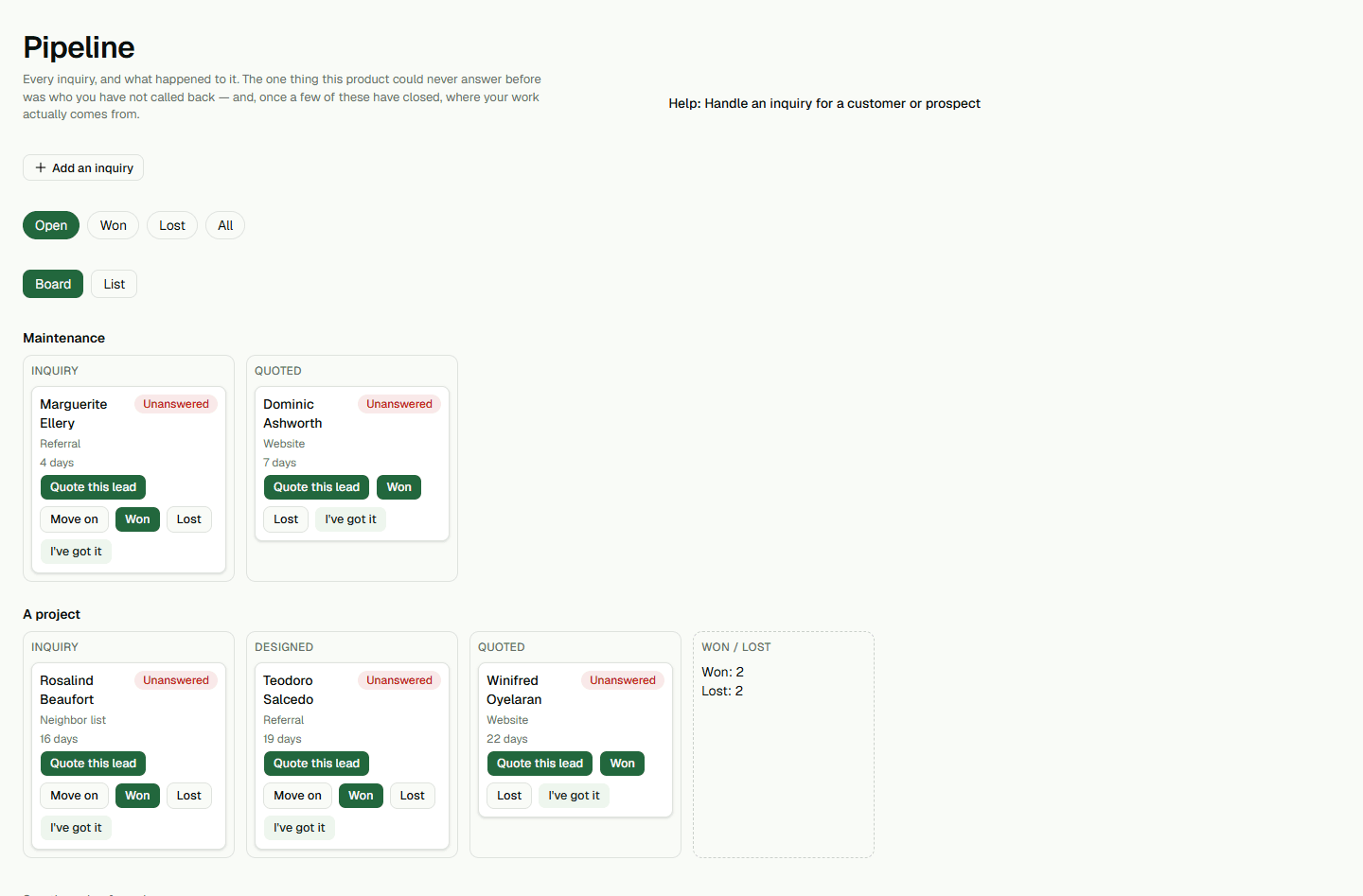
- Open Pipeline and choose Add an inquiry.
- Prepare a site visit and record the customer’s priorities.
Build and save a Studio design
Open Studio from the property, draw the proposed work and save it.
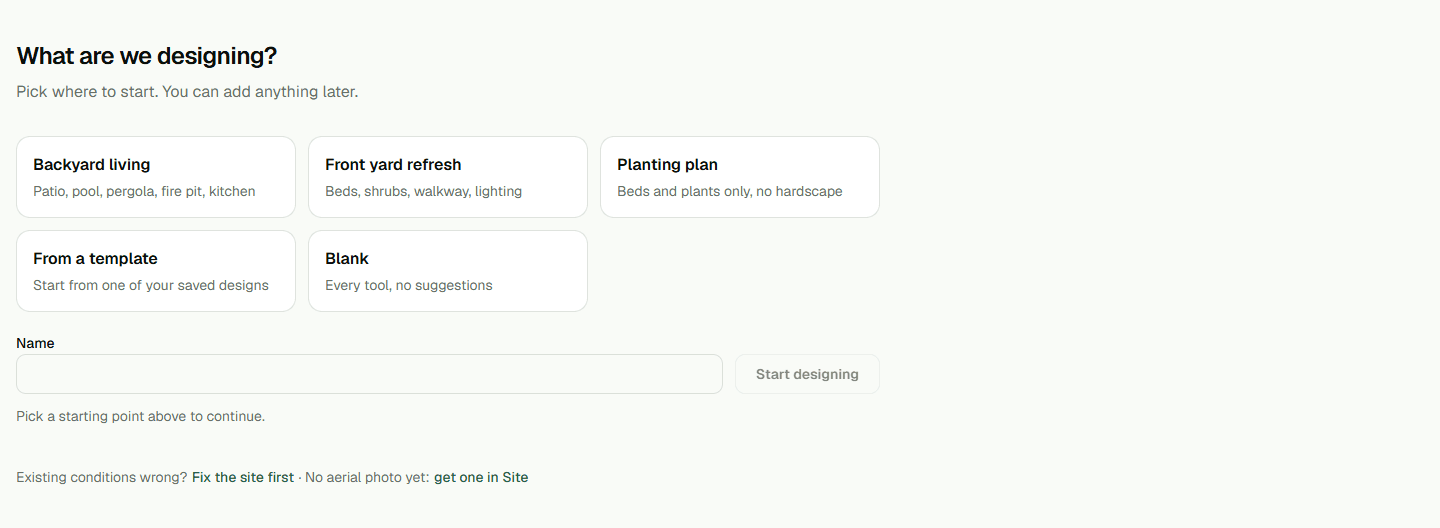
- Open the property’s Studio design.
- Make changes and choose Save before preparing a quote.
Send the quote for signature
Create a draft from the design, review scope and total, then send it.

- Choose Send to client after reviewing the quote.
- The client submits a decision from the private quote link.